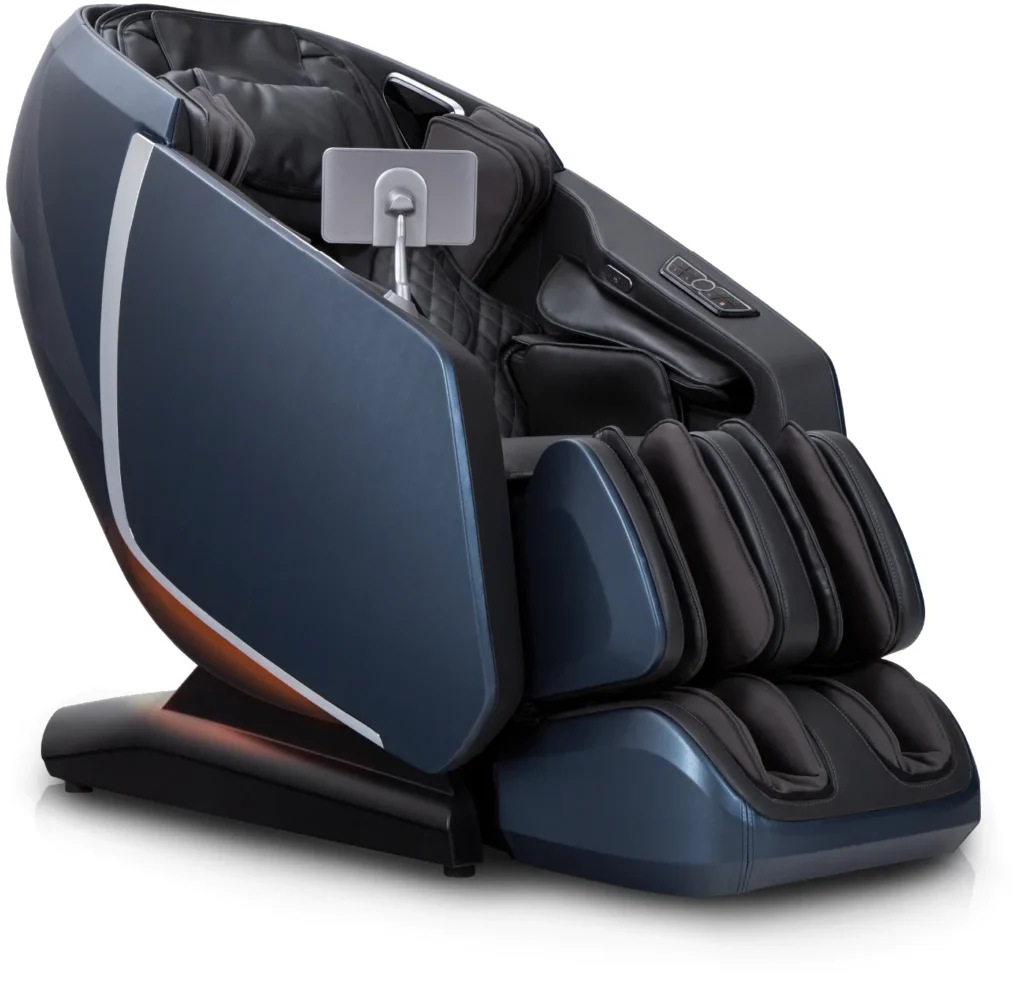
There are two ways to turn on the chair. You can use the quick keys located on the side of the chair, or you can press the power button at the top of the remote.
I’m Dr. Alan Weidner from Massage Chair Relief, and today I’m going to show you how to use the Osaki 4D High Point massage chair for the very first time.
It’s a pretty simple chair to operate, but there are a few things you should know before using it.
First, take off your shoes before sitting in the chair. You should use the chair with your feet either in socks or completely barefoot.
Once you’re seated, there are two ways to turn on the chair. You can use the quick keys on the side, or you can press the physical power button at the top of the remote.
Let me turn the remote around so you can see it. Press that button once, and the screen will turn on. You can also press the power button on the quick-key panel, which will bring up the screen as well.
However, there’s one more step. You need to press the power button on the touchscreen to actually start the chair. So, you’ll need to press the power button twice: first the physical button, and then the button on the screen.
You’ll also hear the chair’s voice assistant speaking in the background. She can sometimes be a little annoying, and she may even call you “dear,” so don’t be offended! She also pronounces certain words a little strangely. For example, she pronounces “acupoint” in an unusual way.
If you prefer, you can turn off the voice prompts. I believe there’s a setting that allows you to turn off all the voice notifications.
Next, select the massage program you want to use.
Once you’ve selected your program, the chair will begin its body scan. During the scan, keep your head against the headrest so the chair can accurately determine the position of your neck and shoulders.
You’ll also notice the leg section moving outward and then back inward. It will stop once the sensors determine your leg length.
Just relax and let the chair do its thing.
As the scan is finishing, a shoulder-height adjustment will appear on the screen. You’ll see an arrow pointing up and another pointing down.
If the rollers are positioned too low before the massage begins, press and hold the up arrow to move them higher. If they’re too high, press and hold the down arrow to lower them. Adjust the position until the rollers are sitting just below the tops of your shoulders.
That’s the shoulder-height adjustment.
Once you’ve made any necessary adjustments, sit back and let the chair run the program.
When the massage is finished, you can let the program run all the way to the end, and the chair will stop automatically.
I believe there’s also a setting that allows the chair to automatically return to its upright position when the program ends. We usually enable that feature in our showroom because we don’t want people spending the entire day here and falling asleep while we forget about them! I’m just kidding.
Seriously, though, some people fall asleep in the chair because they’re so comfortable. We hate having to wake them up, especially when we know they’re enjoying some much-needed relief from back pain.
If you want to stop the massage before the program finishes, you can press and hold either the power button on the remote or the power button on the quick-key panel.
Let’s try the button on the side this time. Press and hold it, and the chair will stop. You’ll hear the voice assistant say goodbye and tell you she’ll see you next time.
The chair will then return to its neutral, upright position, and you’re all done.
That’s really all there is to it. The chair is very easy to use.
The main thing to remember is that if you press the physical power button at the top of the remote and the screen turns on, but nothing happens when you select a massage program, you probably haven’t pressed the second power button on the touchscreen.
You need to use both the physical power button and the touchscreen power button to get the chair started.
I hope you found this video helpful. If you did, please give us a thumbs-up on our YouTube channel. You can also help spread the word about massage chairs by sharing this video, or any of our videos, with your friends and family.
I’m Dr. Alan Weidner from Massage Chair Relief, and I’ll see you in the next video. Bye-bye!